Clothing drop checklist: prepare your store before launch
Use this clothing drop checklist to check product content, stock, mobile ordering, launch links and team responsibilities before announcing a drop.
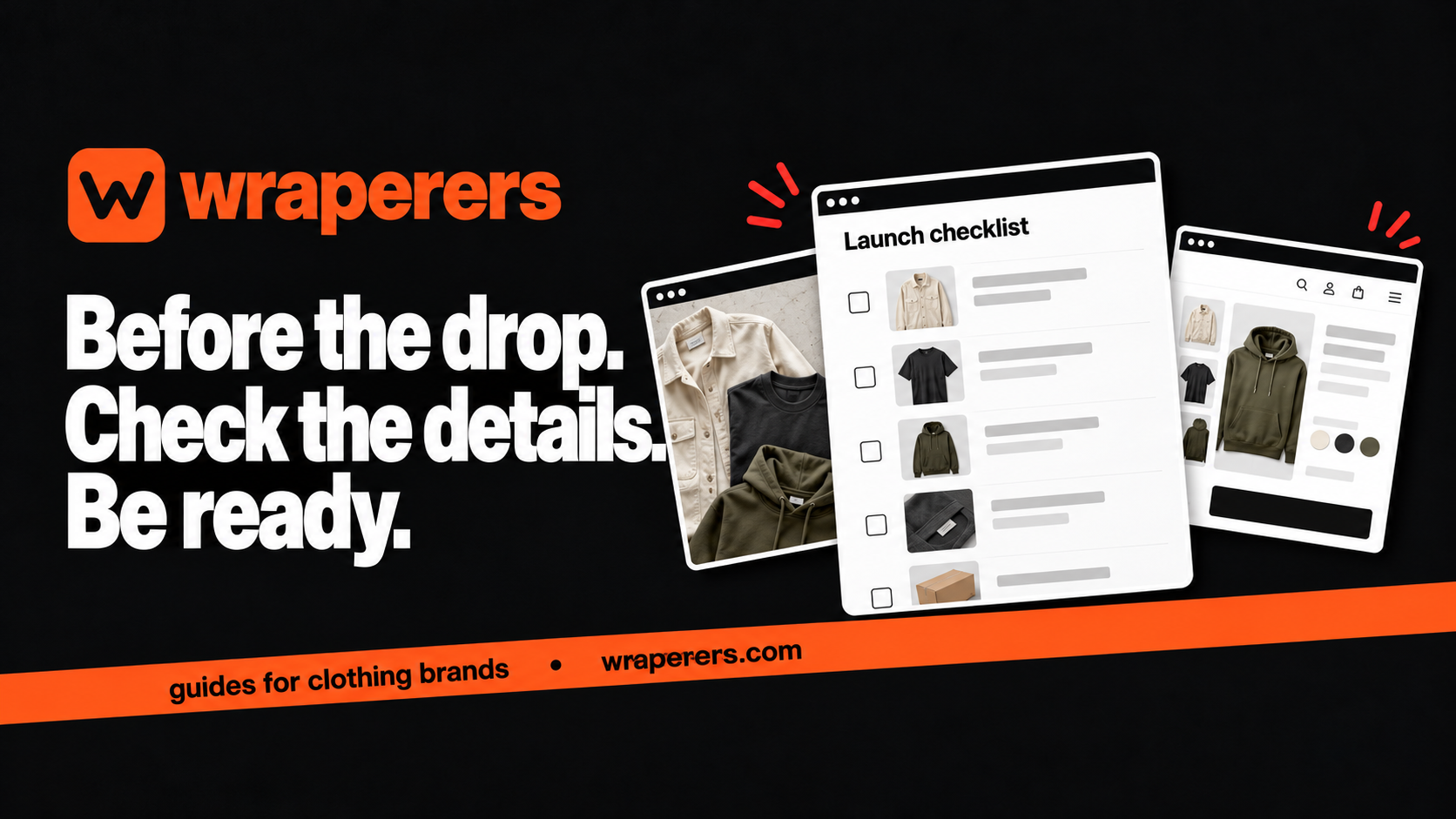
An online store made for your clothing brand: your own admin, checkout and fashion features built in.
Get started for freeGet a free homepage previewA clothing drop checklist should confirm that products, stock, buying links and order handling are ready before you announce the launch. Assign an owner to each check and test the shopping journey on a phone. A scheduled Instagram post is not proof that the store is prepared.
This guide is for a small brand releasing a collection through an existing online store. It focuses on preparation and coordination, not on promising a sell-out or creating artificial urgency.
Use it as a working list. Replace the example timing with a schedule your team can actually manage and keep unresolved items visible until somebody verifies them.
Start the clothing drop checklist with one launch record
Create a shared record containing the collection name, intended launch date and time, product list, responsibilities and approved links. Use one time zone throughout. A remote photographer, builder and founder can otherwise interpret the same message differently.
Keep a simple state for each item: not started, awaiting information, ready for checking or verified. “Done” should mean somebody has confirmed the final result, not that a draft was sent in a chat.
| Workstream | Evidence to check | Suggested owner |
|---|---|---|
| Product content | Final photos and verified specifications | Product lead |
| Stock | Counted available variants | Operations lead |
| Store | Correct pages and working buying flow | Store manager |
| Announcement | Final copy and tested destination links | Marketing lead |
| Orders | Packing and support responsibilities | Founder or operations lead |
One person may hold several roles. The point is that every check has an owner and a clear result.
Freeze product facts before preparing announcements
Confirm which products, sizes and colours are actually included. Make a distinction between stock ready to ship and anything with a different preparation process. Avoid advertising a product that is still awaiting an unresolved production decision.
Check the final garment against the published description. If a sample photo shows a detail that changed in production, replace or explain it accurately. A rushed launch doesn't make an old specification acceptable.
Prepare the size information for each fit family. A relaxed tee and a fitted top may need different guidance even when their labels both run from S to XL. Our size-chart guide explains how to make that information clear.
Put important conditions where buyers can find them before ordering. Dispatch timing, product contents and the actual exchange process should not exist only in a disappearing Story.
Check stock and product visibility separately
Count the sellable stock by variant and set aside samples, damaged pieces and reserved orders. Then confirm the store shows the intended availability. A correct stock sheet won't help if the wrong quantity was uploaded.
Ask how your platform controls visibility. A saved product, an accessible direct link and a product shown in a collection can be different states. Test the actual launch setup instead of assuming every platform behaves the same way.
If you plan a timed release, confirm the supported process with your builder in advance. Wraperers lists drops and pre-orders as coming soon, so don't assume those are automated features in the current store. A manually coordinated launch still needs a reliable owner and checklist.
Keep a plan for an item that isn't ready. You may delay that product, revise the announcement or postpone the drop. Decide before the launch rush rather than making contradictory promises across channels.
Run a realistic mobile rehearsal
Open the exact link you will put in your bio, message or announcement. Check that it reaches the collection or product you intend, rather than a preview that only an admin can access.
Choose a colour and size, open the guide, add the item to the bag and review the selected variant. Continue through the supported payment testing process and confirm the resulting order record. Don't charge a real customer to discover a basic configuration issue.
WooCommerce's website launch checklist provides a broader launch-testing reference. Apply checks appropriate to your actual platform rather than assuming another product's settings exist in your admin.
Test links from the places buyers will use, including the Instagram in-app browser if that is a major entry point. Have someone unfamiliar with the build try the journey without instructions. Their questions often reveal a missing label or broken assumption.
Prepare the team for the first orders
Decide who watches incoming orders, who handles customer questions and who packs. Write down where confirmed order information lives. A busy chat should not become an unofficial replacement for the order record.
Prepare packing materials and a method for checking product, colour, size and quantity. Keep the first batch manageable enough to inspect properly. Don't promise an unrealistic dispatch window because the launch is exciting.
Draft short support answers based on the approved product and shipping information. If a question needs checking, say so rather than inventing an answer to respond quickly. Keep everyone working from the same facts.
Have a pause plan for a genuine checkout or stock issue. Know who can stop the announcement, hide an affected item or escalate a problem. Document the action you take so the rest of the team doesn't undo it independently.
Announce only what you can deliver
Use the correct product links, date and time in every final message. Review discount or shipping language against the actual checkout behaviour. Avoid scarcity statements unless they accurately reflect the offer and stock.
After publishing the announcement, open its link as a buyer and check the live result again. A last-minute edit can introduce a typo even when the rehearsal worked. Keep the owner available for the launch period you planned.
Record what customers ask, where they get stuck and which operational steps require extra work. Evaluate the launch using actual orders and support evidence rather than the mood of the announcement day.
At Wraperers, we build clothing stores and add banners and drops on request. Discuss your release process before launch so the work and responsibilities are clear. Our services page explains the store offering.
Want to see your next collection in a store designed for your brand? Get a free homepage preview.
Frequently asked questions
How far ahead should I prepare a clothing drop?
Should I announce products before production is finished?
Does a checklist guarantee the drop will sell out?
Want a store like this for your brand?
Send us your brand and we'll design your homepage for free. You only pay if you love it.
Keep reading
Affordable ecommerce website builders in India: 10 options, plus Wraperers
Compare affordable ecommerce website builders in India on billing, fees and setup work: 10 alternatives plus Wraperers for small clothing brands.
Clothing checkout testing: a practical guide before going live
Plan clothing checkout testing for sizes, stock, charges, payment outcomes and order records, using a repeatable checklist before your store goes live.
Clothing website brief: what to prepare before hiring a builder
Prepare a clothing website brief with product facts, design references, operational needs and clear responsibilities before hiring your store builder.