Clothing checkout testing: a practical guide before going live
Plan clothing checkout testing for sizes, stock, charges, payment outcomes and order records, using a repeatable checklist before your store goes live.
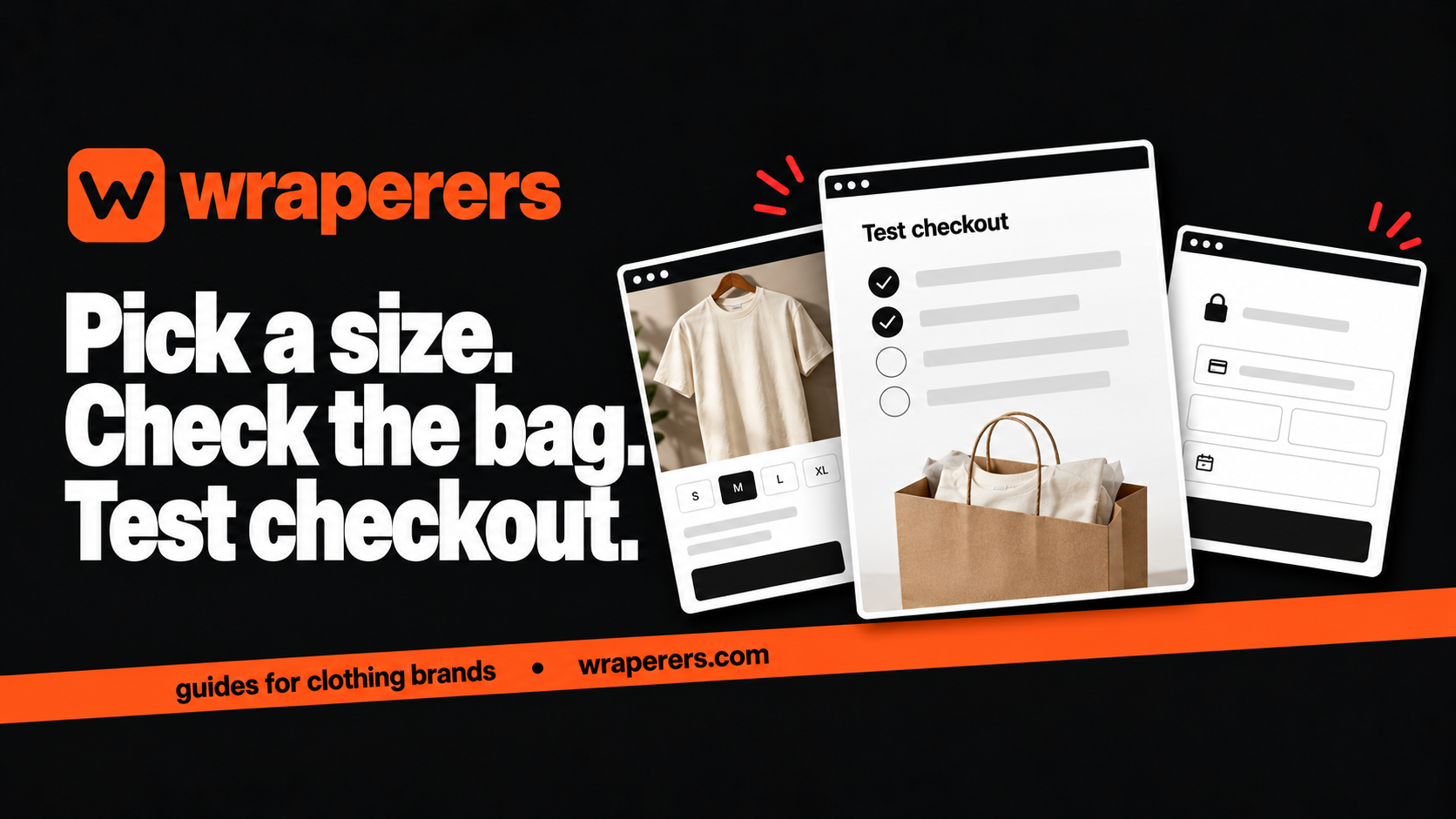
An online store made for your clothing brand: your own admin, checkout and fashion features built in.
Get started for freeGet a free homepage previewClothing checkout testing should confirm that the selected garment, colour, size and quantity reach the correct order record, with the right charges and payment state. Use your platform's supported testing process before inviting customers to buy. Seeing a checkout screen is only one part of the test.
For a small brand, write down a few realistic journeys and record what should happen. Then test the result in the store and admin, rather than judging success from a button animation or a payment popup.
This is a planning checklist for store owners. Your developer should implement and verify payment security using the provider's current technical documentation.
Define clothing checkout testing before clicking around
Write the product, options, quantity and expected result for each case. Choose ordinary combinations as well as awkward ones. A tee in an available size is useful, but so is a size that is out of stock or a quantity above the available amount.
| Case | Expected result to confirm | Evidence to record |
|---|---|---|
| Available variant | Correct item reaches the bag | Product, colour, size and quantity |
| Unavailable variant | Purchase is blocked or handled as explicitly designed | Clear message and unchanged stock |
| Updated quantity | Totals reflect the change | Bag and checkout amounts |
| Successful test payment | Correct paid order is recorded | Provider and store references |
| Failed or cancelled payment | No false paid state appears | Order and stock behaviour |
| Repeated callback or refresh | One payment isn't treated as several orders | Consistent order history |
These are expected behaviours to discuss, not proof that any particular platform already handles them. Ask the builder to explain the intended result for your store.
Check product choices all the way to the order
Start at a product page, select a colour and size, and add the item to the bag. Confirm the text and image match the chosen variant. Repeat with another combination so you aren't testing only the default option.
Change quantity and remove an item. Check that totals and availability respond as intended. Return to browsing and revisit the bag; the result should be understandable rather than silently changing what the customer selected.
After creating a supported test order, inspect the admin record. The packing person needs the exact size, colour and quantity, not only a generic product title. Compare the record with the choices you made at the start.
Test the path described in your product page information too. A size-guide link or policy panel shouldn't make the visitor lose the selected options without explanation.
Verify amounts and destination-dependent behaviour
Check the product amount and any applicable delivery or payment-method charges. If a discount is supported, test its actual rules, including a case where it should not apply. Don't rely only on a label saying the offer is active.
Use representative valid addresses through the supported test process. Confirm how the store handles incomplete fields, an unsupported destination or a PIN code that doesn't match the selected delivery option.
Make known charges visible before the final payment action. Compare the amount shown in checkout with the amount recorded by the payment provider for the test. If they differ unexpectedly, stop and resolve it before launch.
Keep test customer details separate from real customer records where possible. Use provider-approved test information and avoid putting real card data or secret keys into shared screenshots and bug reports.
Test payment outcomes, not only the happy path
Ask your developer which test modes and payment outcomes are supported. A real charge is not the first tool for investigating whether the integration works. Follow the provider's current instructions and confirm the environment before testing.
Razorpay's web integration steps describe server-side payment signature verification. The developer should verify the payment using the provider's required method; the customer's browser redirect alone isn't sufficient evidence of a valid payment.
Test failure, cancellation and interruption alongside success. Close the payment flow at an appropriate test point and inspect what the store records. A customer abandoning the popup shouldn't become a paid order simply because a page loaded.
Ask how repeated notifications are handled. Payment providers can notify the application through server-side mechanisms, and retry behaviour needs to be safe. Your developer should confirm that processing the same event again doesn't create duplicate fulfilment work.
Confirm stock and fulfilment consequences
For every test case, inspect stock before and after using the documented rules. Find out whether the store reserves an item, reduces stock after payment or uses another explicit process. Record when a failed order releases any reservation.
Test cancellation and refund handling through the supported procedure. Payment state, order state and stock state may be separate. A refund should not automatically imply that a garment has physically returned and passed inspection.
If your store supports COD, test its separate route and confirm how the order is labelled for the team. A COD order isn't a prepaid payment success, and support or packing should be able to see the difference.
At Wraperers, payments use Razorpay alongside cash on delivery, and Shiprocket shipping can be booked from the orders screen. Confirm the actual configured process during handover; our services page covers the wider store offering.
Repeat critical journeys on a real phone
Open the store from the same route customers will use, including an Instagram link where relevant. Try the journey on a phone and another supported browser. Check that the keyboard, address fields and payment handoff don't hide essential controls.
Write bug reports with the starting page, steps, expected result and actual result. Add an order or test reference when appropriate, without exposing secrets. “Checkout broken” is harder to investigate than a reproducible sequence.
Retest the affected journey after a fix and repeat the core successful-order path. Keep a short record of who checked it and when. This makes the final launch decision based on evidence instead of the last reassuring message in a chat.
Before launch, confirm the correct live configuration with your developer and complete any approved final verification. A passing test environment is useful evidence, but it doesn't prove that live credentials and settings were switched correctly.
Want a clothing store with a clearly planned buying flow? Request a free homepage preview.
Frequently asked questions
Do I need to test every size and colour combination?
Is a successful payment popup enough to pass the test?
Should I test again after changing shipping charges?
Want a store like this for your brand?
Send us your brand and we'll design your homepage for free. You only pay if you love it.
Keep reading
How to build a clothing SKU system for a small brand
Create a clothing SKU system that identifies each style, colour and size, with practical examples, naming rules and a checklist for your team.
Clothing inventory management: track stock by size and colour
Set up clothing inventory management by size and colour, separate reserved and damaged pieces, and use a repeatable daily stock-check routine.
Affordable ecommerce website builders in India: 10 options, plus Wraperers
Compare affordable ecommerce website builders in India on billing, fees and setup work: 10 alternatives plus Wraperers for small clothing brands.