Clothing inventory management: track stock by size and colour
Set up clothing inventory management by size and colour, separate reserved and damaged pieces, and use a repeatable daily stock-check routine.
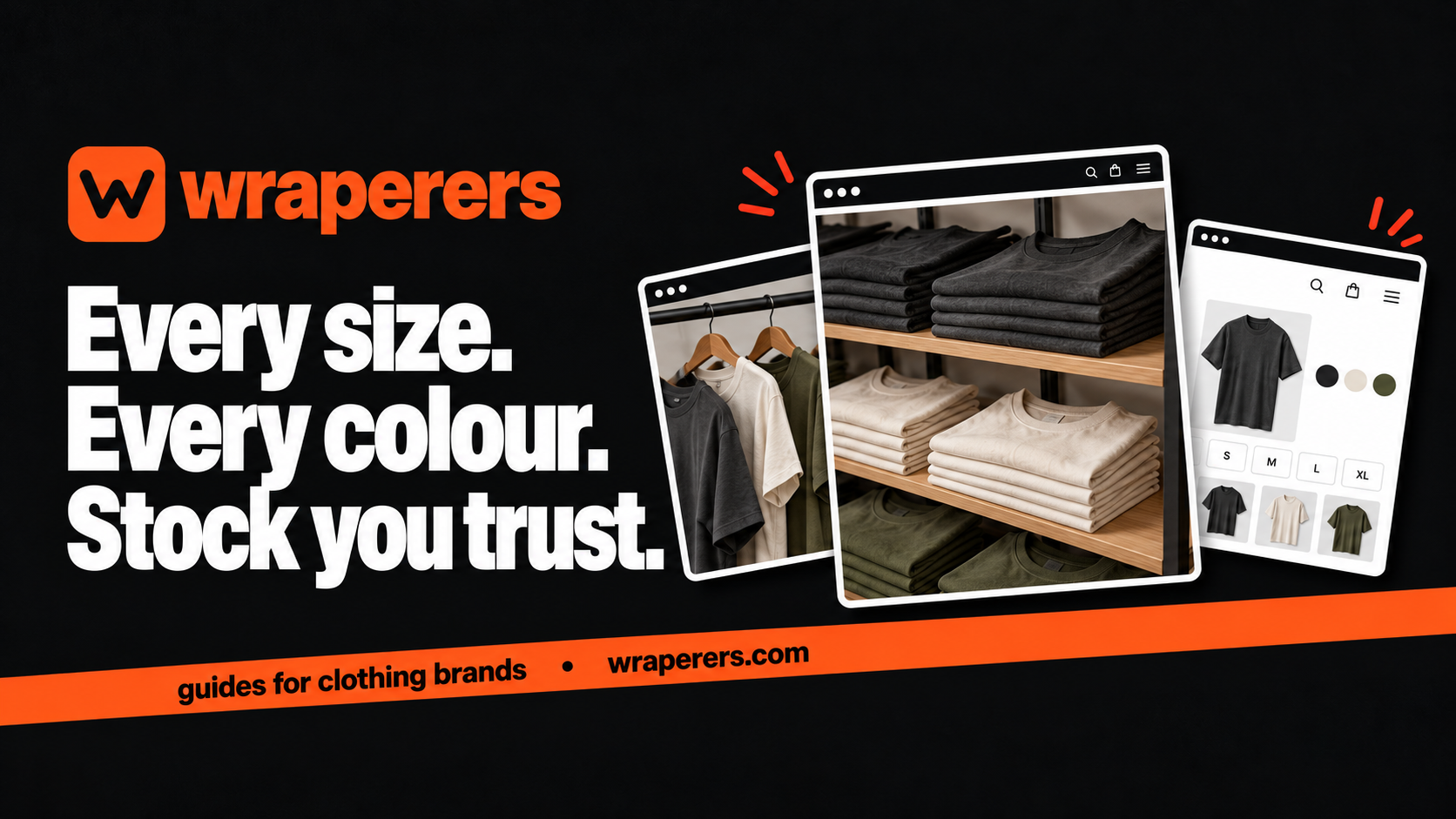
An online store made for your clothing brand: your own admin, checkout and fashion features built in.
Get started for freeGet a free homepage previewClothing inventory management works best when you count each sellable size-and-colour combination separately. A total such as “40 tees” won't tell you whether a customer can buy the black tee in M. Start with a physical count and give each variant a clear identity.
For a brand taking orders through Instagram, WhatsApp and a website, the difficult part is often keeping all those channels aligned. One sale in a DM can make the website quantity wrong unless someone records it promptly.
The routine below is a practical starting point for a small team. It doesn't assume that your software has every inventory feature described; some records may need to be maintained separately.
Build clothing inventory management around variants
List products, then list the combinations customers can actually buy. A tee in three colours and four sizes has up to twelve variants if every combination exists. Don't create stock records for options you don't make.
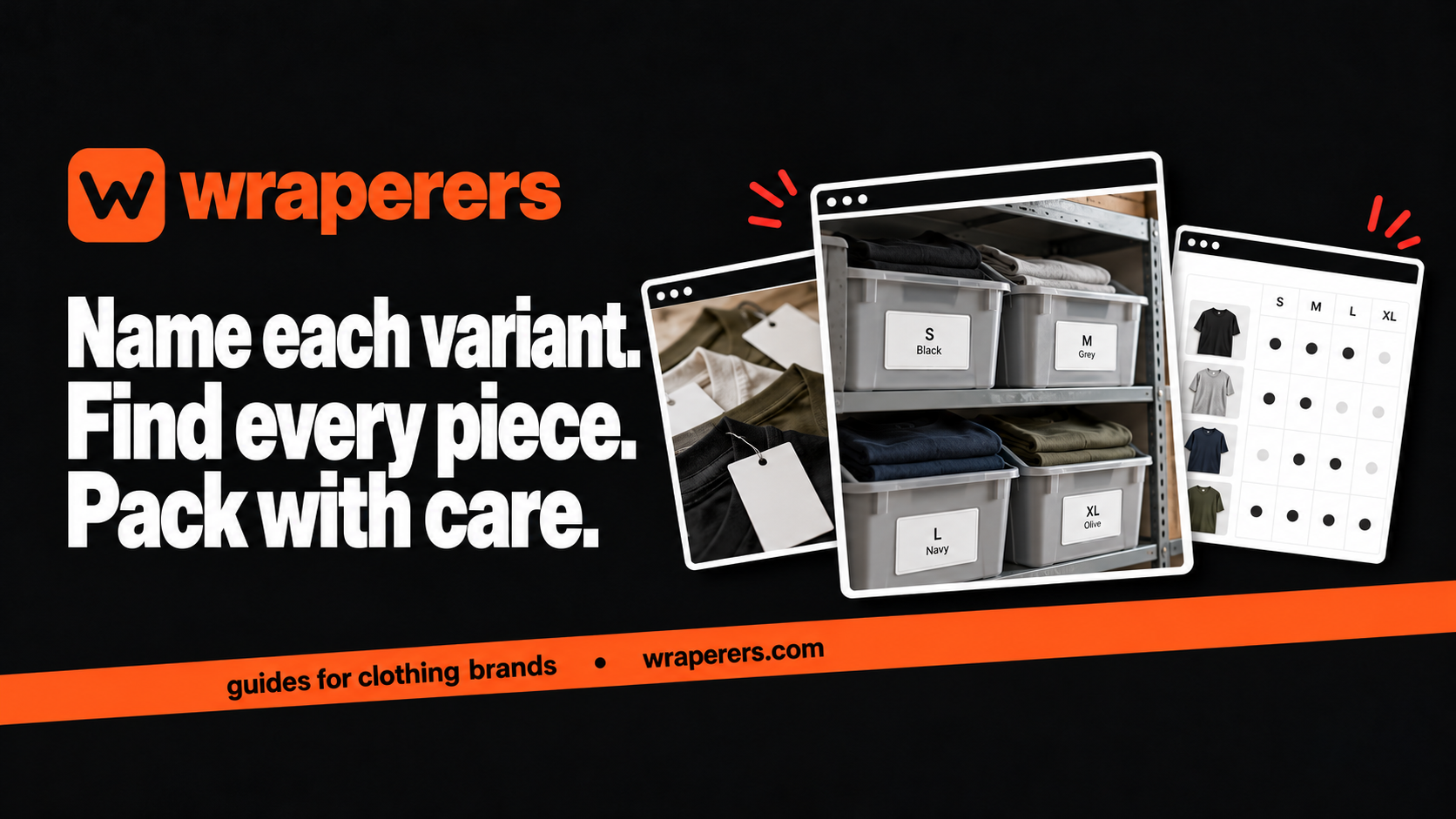
Give each variant a unique internal code and use the same naming rule in your stock sheet, storage area and order records. Shopify's SKU guidance explains the importance of unique variant identifiers. The principle applies even if you're using a different store platform.
Make the customer-facing names readable. Your team may understand TS01-BLK-M, but a packing check should also show “Core tee, black, M.” A code helps identify the item; it shouldn't become the only information a person can verify.
Separate physical stock from available stock
Count the garments you have, then decide which are genuinely available for sale. A piece set aside for an order, a damaged item and a display sample shouldn't silently remain in the same sellable total.
| Record | Meaning | Example action |
|---|---|---|
| Physical quantity | Pieces present at your location | Confirm through a count |
| Reserved quantity | Pieces allocated to orders | Release only after the order state is resolved |
| Unavailable quantity | Samples, damaged or held items | Keep separate from sellable stock |
| Available quantity | Pieces you can offer now | Update the store using a defined rule |
These are working categories, not a promise about how a particular admin panel calculates stock. Ask your builder when stock is reduced, when it is reserved and what happens after cancellation or failed payment. Test those events rather than assuming their behaviour.
Start with a controlled physical count
Choose a quiet period and pause unrecorded movements while you count. Group the clothes by product, colour and size, then mark which shelves have been completed. If two people count the same area without a shared method, the extra effort can introduce another mismatch.
Record the date, person and quantity for each variant. Recount anything unexpected before changing the website. A discrepancy might come from a packing mistake, a return awaiting inspection or an item moved to a photography rail.
Do not hide damaged pieces inside available stock because you hope to repair them later. Move them to a labelled area and record the reason. They can return to saleable stock after someone checks them, not simply when the next count is due.
For sealed packs, use a clear rule about opening and checking them. A supplier's carton label can be a starting point, but your opening stock needs enough confidence to support actual customer orders.
Record every movement with a reason
Keep a movement log that records the variant, quantity, direction, reason and related order or delivery reference. “Minus two” isn't enough to explain a difference next week. “Two black M tees packed for order X” is useful.
Give incoming deliveries a receiving process. Match them to what was ordered, check the variant breakdown and inspect for issues before adding the quantity for sale. Don't add a planned delivery to available stock while it's still in transit unless you're deliberately operating a clearly explained pre-order process.
Handle returns separately. A parcel reaching your desk doesn't mean its contents are ready to resell. Confirm the item, inspect condition and update the appropriate record after the decision is made.
If an order is cancelled, check whether your platform already restores stock. A manual adjustment on top of an automatic one can double-count the item. Document the actual behaviour so your team uses one process.
Give DM orders a place in the same routine
Decide when a DM order becomes a reservation. A person asking “available?” isn't the same as a confirmed sale. Your rule should make it clear how long a reservation lasts and who is allowed to release it.
When a DM sale is confirmed, record the variant and update the store or master stock record using your agreed process. Avoid relying on screenshots scattered across personal chats. Keep only the customer information you need and restrict access appropriately.
At the end of the working day, compare new orders across channels with the stock changes recorded. Start with a manageable routine you can maintain every day, then consider additional tools if the number of movements outgrows it.
The website and Instagram guide explains how the channels can work together. Whichever channel brings the buyer, the physical garment should be counted once.
Use regular checks to find the cause of errors
Count a small group of important variants regularly rather than waiting until the entire stockroom feels unreliable. Choose fast-moving products, low-stock items and variants with repeated discrepancies. Keep a record of what you checked and why.
When a mismatch appears, investigate the sequence of movements. Repeatedly changing a number without understanding the cause turns a stock sheet into a guess. Look for timing gaps between sales, reservations, cancellations and packing.
Decide who can adjust quantities and who reviews large or unusual changes. A small team still benefits from clear responsibility. Avoid giving everyone permission to “fix” the same item independently.
Wraperers provides an admin panel where owners can manage product stock, with owner, editor and viewer team roles. Confirm the workflow you need during the build; our services page describes the wider offering. Clear counting rules still matter alongside the software.
Want to see your clothing range in a manageable online store? Get a free homepage preview.
Frequently asked questions
Can I start with a spreadsheet?
Should damaged garments be included in stock?
How often should I count stock?
Want a store like this for your brand?
Send us your brand and we'll design your homepage for free. You only pay if you love it.
Keep reading

Clothing checkout testing: a practical guide before going live
Plan clothing checkout testing for sizes, stock, charges, payment outcomes and order records, using a repeatable checklist before your store goes live.
How to build a clothing SKU system for a small brand
Create a clothing SKU system that identifies each style, colour and size, with practical examples, naming rules and a checklist for your team.

Affordable ecommerce website builders in India: 10 options, plus Wraperers
Compare affordable ecommerce website builders in India on billing, fees and setup work: 10 alternatives plus Wraperers for small clothing brands.