How to build a clothing SKU system for a small brand
Create a clothing SKU system that identifies each style, colour and size, with practical examples, naming rules and a checklist for your team.
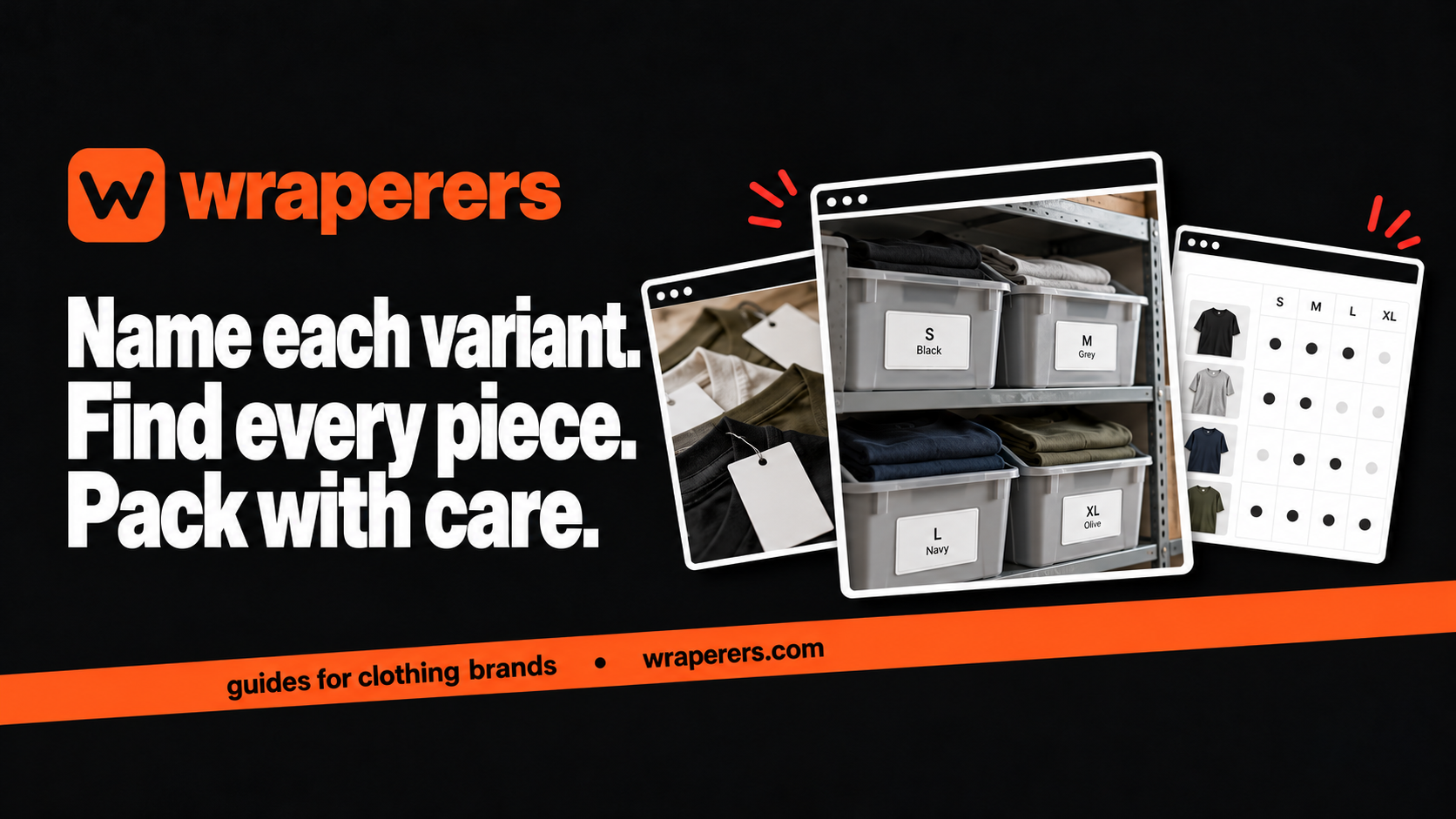
An online store made for your clothing brand: your own admin, checkout and fashion features built in.
Get started for freeGet a free homepage previewA clothing SKU system gives every sellable product variant a unique internal code. Use it to distinguish the same style in different colours and sizes, then keep the code consistent across stock records and packing instructions. Start simple enough that your team can follow it.
SKU means stock keeping unit. It is an internal identifier, not automatically a barcode or a universal product number. A good naming rule doesn't need to tell the entire story of the garment. It needs to identify the right item reliably.
This guide covers the naming system itself. For counting stock and handling reservations, use our separate clothing inventory management guide.
Decide what your clothing SKU system must distinguish
List the differences that create separate sellable items. For a basic tee, that may mean style, colour and size. If a garment also comes in two lengths or fits, those differences may need their own variant identities.
Don't assign one code to a whole style if your team needs to count and pack its sizes separately. A charcoal M tee and a charcoal L tee are not interchangeable just because the product title is the same.
Shopify's SKU management guidance recommends unique identifiers for product variants. The same principle is useful for a small stock sheet, even when your store runs on another platform.
Choose a short, readable naming rule
One workable example is style-colour-size. You could use a stable style identifier, a short colour code and a consistent size label. Document the rule before generating codes for the whole catalogue.
The following codes describe fictional products and are examples only:
| Product | Example SKU | What it distinguishes |
|---|---|---|
| Core tee, charcoal, S | T01-CHR-S | Small charcoal tee |
| Core tee, charcoal, M | T01-CHR-M | Medium charcoal tee |
| Core tee, cream, M | T01-CRM-M | Medium cream tee |
| Relaxed overshirt, sand, M | O02-SND-M | A different style and colour |
Choose codes that make sense to your team rather than copying these abbreviations blindly. If CRM and CHR are often confused in your handwriting, choose clearer alternatives or use printed labels.
Avoid changing codes whenever the marketing name changes. Your “Everyday Tee” might become the “Core Tee,” but old orders still need to point to the same variant. Stable identifiers make that history easier to understand.
Keep prices and temporary details out of the code
A sale price, storage shelf and campaign name can change without creating a new product. Putting them inside every SKU means ordinary changes can force you to rename the catalogue.
Keep those details in their own fields. A shelf label tells the packer where an item is stored; a SKU tells them which item it is. Separating those jobs means you can rearrange the stockroom without breaking the product record.
Think carefully before including a season or drop number. It can help when the actual garment is a distinct release, but it can also create unnecessary duplicates when you're simply restocking the same item.
For a materially different product, such as a revised fit or different fabric sold as a new version, decide how your catalogue will distinguish it. Document that choice so two versions aren't mixed during packing.
Build one master reference before uploading
Create a master list with the SKU, readable product name, colour, size and any additional option that matters. Add a product or variant link after the store records exist. Search the list for duplicate codes before importing it anywhere.
Keep letter case, spacing and punctuation consistent. Check how your actual tools treat differences such as t01-chr-m and T01-CHR-M. Don't rely on a visual difference that the software may ignore.
Avoid ambiguous characters where possible. A printed zero and letter O can look similar on a small tag. If your chosen style numbering uses both, test the label at its real size rather than only on a large screen.
Store the rule beside the master list. A new team member should be able to assign the next variant without inventing another abbreviation system. Have one person review new codes before stock labels are printed.
Use the code during receiving and packing
When new stock arrives, match the product and variant to the reference list before labelling it. Don't trust a bundle label without checking that its contents match the stated size and colour.
Keep the readable name visible alongside the code. During packing, compare the order's style, colour and size with the physical garment label. A unique identifier helps, but it doesn't replace looking at what you're putting into the parcel.
If your workflow includes scanners, confirm what they scan and which record they open. An internal SKU and a barcode can be linked, but typing a SKU into a field doesn't automatically create a scannable retail identifier.
Ask your website builder which identifier fields appear on orders, exports and stock records. Confirm the integration you need before printing hundreds of tags. Wraperers' services include stores with an admin panel for product and stock management; specialist catalogue requirements should be discussed during the build.
Introduce the system without losing order history
If you already sell, make a mapping from old names or codes to the new identifiers. Keep that mapping available for returns, customer questions and existing orders. Don't erase the old reference just because the new system looks tidier.
Pilot the rule on one small collection. Ask the person receiving stock and the person packing orders to use it, then note every ambiguity. Fix the naming rule before spreading it across the entire range.
Once adopted, review new entries regularly for duplicates and accidental variations. A code system stays useful because people follow it, not because the first spreadsheet was carefully formatted.
Before changing a product's code, ask whether the item has changed or only its presentation. If it's only a new photograph or a revised description, the existing identifier may still be the right one.
Want a clearer starting point for your clothing store? Request a free homepage preview.
Frequently asked questions
Is a SKU the same as a barcode?
Do all sizes need different SKUs?
Should I reuse a discontinued product's SKU?
Want a store like this for your brand?
Send us your brand and we'll design your homepage for free. You only pay if you love it.
Keep reading
Clothing checkout testing: a practical guide before going live
Plan clothing checkout testing for sizes, stock, charges, payment outcomes and order records, using a repeatable checklist before your store goes live.
Clothing inventory management: track stock by size and colour
Set up clothing inventory management by size and colour, separate reserved and damaged pieces, and use a repeatable daily stock-check routine.
Affordable ecommerce website builders in India: 10 options, plus Wraperers
Compare affordable ecommerce website builders in India on billing, fees and setup work: 10 alternatives plus Wraperers for small clothing brands.