Clothing product photography with a phone: a practical shoot plan
Plan clothing product photography with your phone: set up the light, shoot useful garment views, check colours and organise files for your store.
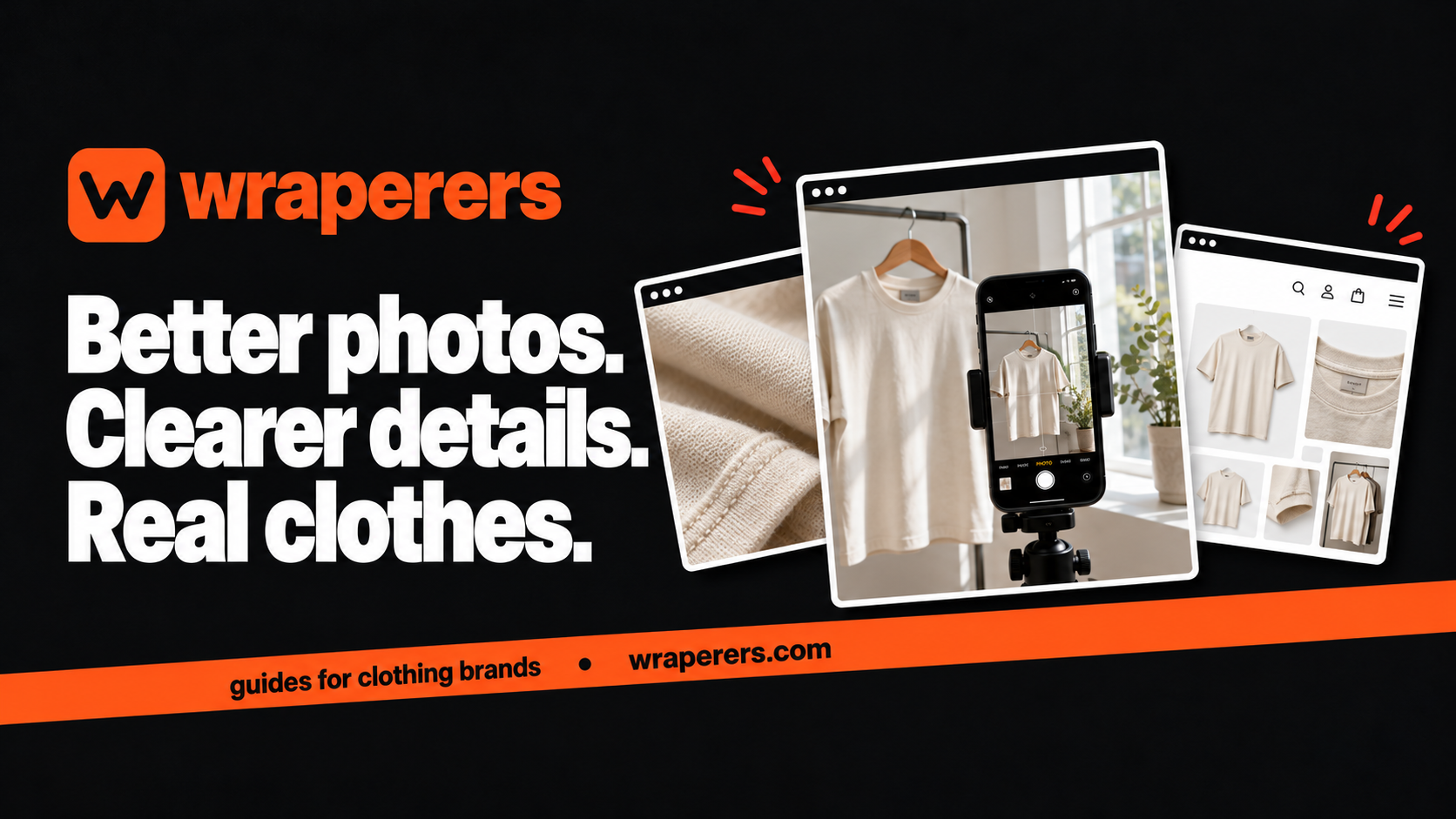
An online store made for your clothing brand: your own admin, checkout and fashion features built in.
Get started for freeGet a free homepage previewGood clothing product photography starts with an accurate view of the clothes, steady framing and light you can control. A phone can be enough to begin. Before buying equipment, make a shot list and practise with one garment from your actual stock.
Your customer is trying to judge colour, shape, texture and fit without touching the product. The purpose of the shoot is to answer those questions. A dramatic image for Instagram can be useful, but it shouldn't be the only view on a product page.
This plan is designed for a small clothing brand working in a room or compact studio. Treat it as a repeatable routine, then adapt it to the garments you sell.
Plan clothing product photography around buyer questions
Write down what a buyer can't see from your current photos. Is the back plain? Does the shirt have pockets? Is the embroidery raised? Turn each missing answer into a planned image rather than hoping to capture it during the shoot.
| View | What it answers | What to check |
|---|---|---|
| Front | Overall shape and design | Full garment visible |
| Back | Rear details and construction | Nothing hidden by styling |
| Close detail | Texture, print or fastening | Focus on the relevant feature |
| On-body view | Proportion and intended fit | Actual product and accurate fit information |
| Optional extra | A specific unanswered question | Adds information rather than repetition |
You don't need every possible angle for every item. A simple tee and an embroidered kurta have different information needs. Choose the views before arranging the room so your shoot time has a clear purpose.
Prepare the garment and a repeatable setup
Start with clean, sale-ready stock. Check buttons, remove lint and deal with creases according to the care instructions. A stain or loose thread that you overlook in the room may become the most noticeable feature in the close-up.
Keep a small preparation tray with the items you already use safely: hangers, a lint roller, clips for the background and a garment label for identifying each piece. Don't reshape clothes with hidden pins in a way that misrepresents the fit offered to customers.
Choose one background and mark the camera and product positions. A plain wall, clean fabric backdrop or flat surface can work if it doesn't distract from the garment. Keep enough distance from the background to avoid an awkward shadow where possible.
Shopify's DIY product photography guide discusses preparation, camera stability and lighting. Use that as background reading, then test what your own room produces before photographing the full collection.
Use light that preserves colour and texture
Try a location beside a window with soft indirect light. Make one test image, inspect the fabric and adjust the position. Direct sunlight can create strong shadows and bright patches that make a garment harder to assess.
Avoid mixing several light colours without checking the result. A warm room lamp and cooler window light can create a colour cast across the same shirt. Switch off unnecessary lights for a test and compare the image with the actual garment.
Photograph one light item and one dark item before committing to the setup. A white background may make a cream fabric look different from what you expect, while a dark tee can lose surface detail. Check both rather than assuming that the first successful image works for everything.
Repeat shots if changing daylight alters the result noticeably. Consistency comes from the process, not from applying a strong filter after the shoot. Keep the original files so you can compare edits against the starting point.
Keep the phone steady and the garment proportions honest
Clean the lens, use the main camera where practical and support the phone on a stable stand or tripod. A short timer can help avoid movement as you press the shutter. Inspect a test at a larger size to check whether seams and fabric details remain sharp.
Avoid moving very close with a wide-angle camera just to fill the frame. That can make the nearest part of the garment look larger. Step back, keep the phone reasonably square to the product and leave room around the edges.
For a flat lay, check that the camera is centred above the garment rather than tilted from one end. For a hanging shot, keep the vertical lines straight. Compare sleeve lengths and shoulder proportions with the real piece before accepting the image.
If someone models the clothes, photograph the actual garment and record the size worn. Only publish personal measurements with permission and when you know they're accurate. A generated model is not evidence of how that garment fits a real person.
Edit for accuracy, then check the store version
Crop consistently and make restrained exposure adjustments. Keep colour, texture and garment details believable. Removing dust from the background is different from changing the shape of the item or hiding a construction issue customers will receive.
Export a version suitable for the store while keeping the original separately. There isn't one file setting that suits every storefront. Check the platform's guidance and inspect the uploaded image on a phone, including any zoom view.
Use descriptive filenames such as overshirt-sand-front and overshirt-sand-back. Keep images grouped by product and colour so a later upload doesn't accidentally show the wrong variant. A simple folder naming rule can save more time than a complicated editing workflow.
After upload, compare the product thumbnail, main gallery and colour-selected view. Confirm that the first photo isn't cropped through an important feature. Our clothing product page checklist helps you check how the photographs work with the rest of the page.
Make a small shoot record you can reuse
Record the room, time, background, camera position and any settings you deliberately changed. Keep a reference image of the setup. The next collection should start from that record rather than a fresh round of guesswork.
Before packing away, check that each product has its planned views. Re-shooting a missing back view a week later can mean a different light, wrinkled stock and extra work. Sign off the list while the room is still ready.
Start with a small group of products and ask someone unfamiliar with them what they still can't tell. Use their questions to improve the next shoot. You can develop a more elaborate visual style after the essential product information is dependable.
Want to see your product photos in a store built for your brand? Get a free homepage preview.
Frequently asked questions
Do I need a professional camera to start?
Can I use the same images on Instagram and my website?
Should I replace real product photos with AI images?
Want a store like this for your brand?
Send us your brand and we'll design your homepage for free. You only pay if you love it.
Keep reading
Affordable ecommerce website builders in India: 10 options, plus Wraperers
Compare affordable ecommerce website builders in India on billing, fees and setup work: 10 alternatives plus Wraperers for small clothing brands.
Clothing checkout testing: a practical guide before going live
Plan clothing checkout testing for sizes, stock, charges, payment outcomes and order records, using a repeatable checklist before your store goes live.
Clothing website brief: what to prepare before hiring a builder
Prepare a clothing website brief with product facts, design references, operational needs and clear responsibilities before hiring your store builder.