Clothing website homepage: what a small brand should include
Plan a clothing website homepage with clear product routes, useful photography, honest brand information and mobile navigation shoppers can follow.
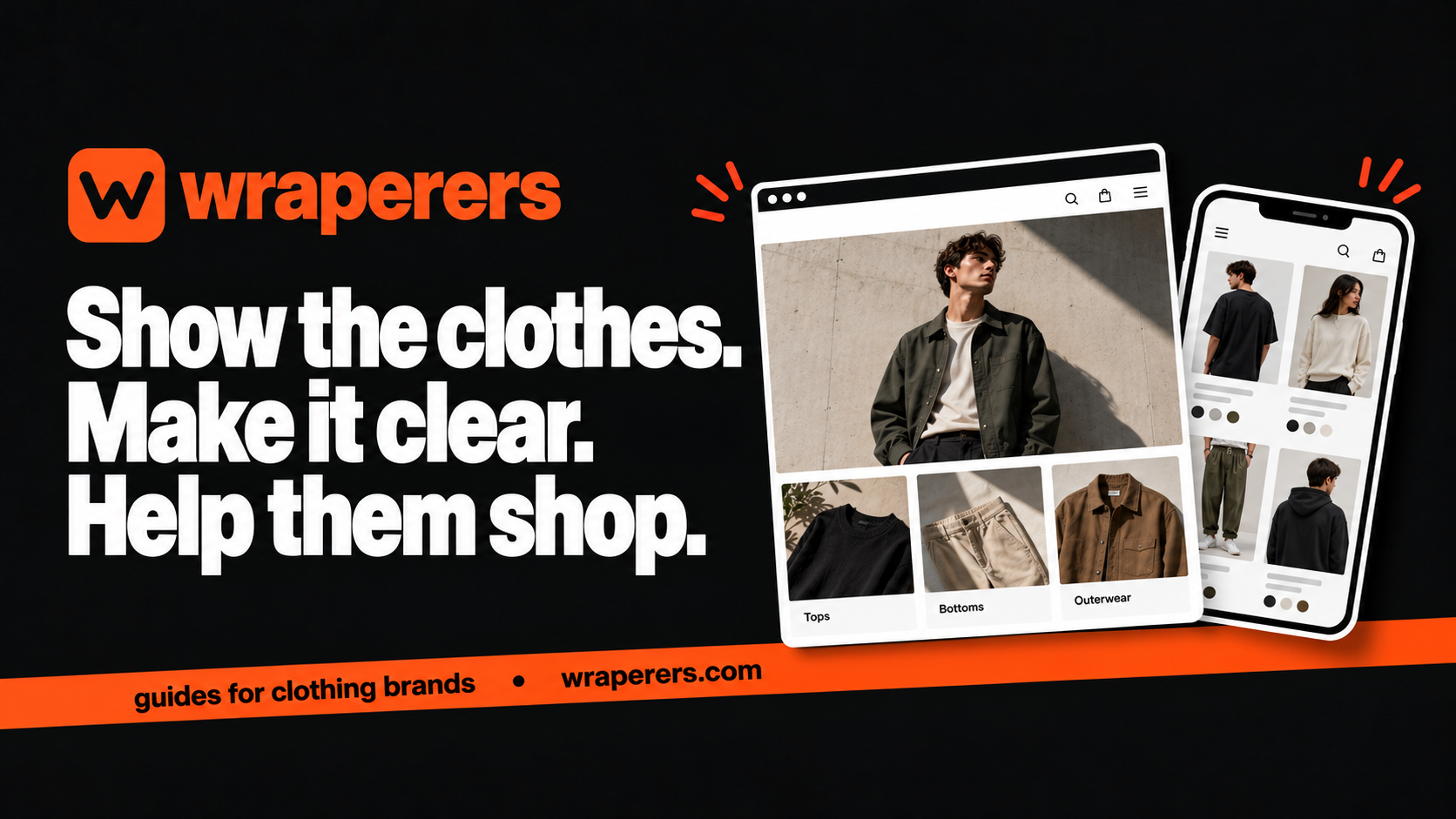
An online store made for your clothing brand: your own admin, checkout and fashion features built in.
Get started for freeGet a free homepage previewA clothing website homepage should quickly show what you sell and give visitors a clear way to browse it. Lead with the clothes, use understandable collection names and keep important buying information easy to reach. A long animated introduction isn't necessary to explain a small clothing range.
The homepage is one route into your store, not the entire shopping experience. Someone arriving from Instagram may land directly on a product. Make the homepage useful without placing essential product facts only there.
This guide proposes a practical starting layout. It isn't a claim that one arrangement will produce the same results for every brand.
Give the clothing website homepage one clear opening
Use the first section to establish the product category and the next action. A visitor should be able to tell whether you sell streetwear, everyday basics or occasion wear without decoding an abstract slogan.
Pair a short headline with a representative product image and an action such as “Shop overshirts” or “Explore the collection.” If the headline is creative, make the supporting line descriptive enough to explain the offer.
Avoid putting several equal-priority buttons in a small opening area. Pick the action most useful to that visitor and provide other routes through the menu. A first-time shopper shouldn't need to choose between six unrelated campaigns before seeing a garment.
Keep the image honest. Use your actual products, and check that cropping on mobile doesn't hide the piece you're trying to introduce. Concept imagery should not be presented as a photograph of stock or customer work.
Build the page around shopping routes
Below the opening, organise the range in terms a buyer understands. A small catalogue might need only a few clear categories. Don't add empty collections merely to make the navigation look like a much larger store.
| Section | Purpose | Practical check |
|---|---|---|
| Opening feature | Explain the range and next step | Clear on a narrow phone screen |
| Collections | Help people browse by product type | Every link has a useful destination |
| Selected products | Show a manageable sample | Cards show accurate names and prices |
| Brand introduction | Explain who makes or curates the range | Claims are specific and verifiable |
| Help and footer | Provide buying and contact information | Links are current and readable |
You can change the order to suit the range. What matters is that each section has a job. Repeating the same campaign image and button three times makes the page longer without creating a new route.
Use product cards that help comparison
Choose photographs with consistent framing so visitors can compare the clothes rather than the editing style. Give each product a useful name. If a card shows a selected colour, make sure the destination doesn't unexpectedly imply a different item.
Check how product names and prices wrap on mobile. A title that looks tidy on a desktop can push every card to a different height on a phone. Short descriptive names often work better than putting the full product description inside the card.
Use labels only when they are accurate. “New,” “limited” and “bestseller” should have a basis in the product and your records, not exist as permanent decoration. Avoid a countdown that resets just to pressure visitors.
The product page must then answer the detailed buying questions. Our clothing product page checklist covers fit, fabric, delivery information and the buying flow after the click.
Make navigation understandable on mobile
Use labels that describe destinations. “T-shirts” tells a new visitor more than a collection nickname they haven't encountered before. You can retain creative collection names while adding context where needed.
Open and close the menu with one hand on a real phone. Check that controls are easy to tap and don't disappear behind overlays. Make the bag accessible, and confirm the menu doesn't trap the visitor after choosing a link.
Shopify's store design checklist includes understandable menus, contact information and mobile checks. Use the general principles while confirming which controls your own platform provides.
Keep key policy and contact routes available beyond the homepage. A shopper on a product page should not have to return to the beginning just to find a support address or shipping explanation.
Tell the brand story without inventing proof
Write a short introduction that explains something meaningful about the actual range: who it is for, how it is designed or what the founder is trying to make. Only state material, production or origin claims you can support.
If you don't yet have customer reviews, don't manufacture them. Real product detail, reachable contact information and clear policies are better starting points than invented praise. Ask permission before publishing customer photos or identifiable messages.
Keep technical store features separate from brand claims. A secure checkout does not prove that a garment is ethically produced, and a polished homepage does not establish a history of customer results. Each statement needs its own evidence.
For a small founder-led label, a brief honest introduction can be enough. Let customers browse the products without forcing them through a long story before they reach the collection.
Test a short journey instead of judging a screenshot
Ask someone unfamiliar with the store to find a particular type of garment from the homepage. Watch where they look first and whether the collection names make sense. Don't explain the design while they are trying it.
Then ask them to reach a product, find sizing information and return to the collection. Check the same path from a social-media link. A visually impressive screenshot doesn't show whether those movements work.
Review the page when collections change. Remove dead campaign links, update unavailable featured products and check whether the first image still represents what a visitor can buy. Make somebody responsible for these routine edits.
Wraperers builds phone-first stores for clothing brands on templates made to suit the brand, and adds new banners and drops on request. A free homepage preview uses your products so you can assess the direction before committing to a build. See our plans for the included services.
Want a practical starting layout for your own range? Get a free homepage preview.
Frequently asked questions
Should the homepage show every product?
Do I need a video at the top of the homepage?
Should I redesign the homepage for every drop?
Want a store like this for your brand?
Send us your brand and we'll design your homepage for free. You only pay if you love it.
Keep reading
Affordable ecommerce website builders in India: 10 options, plus Wraperers
Compare affordable ecommerce website builders in India on billing, fees and setup work: 10 alternatives plus Wraperers for small clothing brands.
Clothing checkout testing: a practical guide before going live
Plan clothing checkout testing for sizes, stock, charges, payment outcomes and order records, using a repeatable checklist before your store goes live.
Clothing website brief: what to prepare before hiring a builder
Prepare a clothing website brief with product facts, design references, operational needs and clear responsibilities before hiring your store builder.